A few weeks ago, my wife mentioned she wanted to improve her website. There were a handful of things she wanted, most notably was the ability to have the audio samples of her work have waveform visualizers. Being her designated tech support, she gave me her Wordpress login credentials with the demand make it happen.
Just kidding. I volunteered to update her website - I asked if there was anything she wanted to change (mainly because I couldn’t stand Wordpress). She listed a handful of things, like a waveform visualizer for audio samples, but also the overall design. This was all great to hear, since I really wanted to write her a brand new website anyway.
My goals were somewhat simple:
- Eliminate any ongoing costs. She pays over $100 bucks a year for her Automattic subscription. Ideally, all she has to pay for is her domain registration.
- Move away from Wordpress. I’m sorry, it’s 2025. Worst-case, we’ll use Ghost, but ideally, whatever I build is a bit cooler than that.
- Make content updates easy. If I do go down the road of writing her a custom solution, it has to be easy to update. Namely, there needs to be an actual CMS interface to update the website’s content. Unlike the website you’re looking at now, she shouldn’t know that pushing a new commit to
maintriggers a rebuild of the site… or even know whatgitis. - Speed. The site itself needs to be lightweight & fast to load.
Additionally, last Christmas, she had gifted me a Raspberry Pi 5, so I wanted to use that in some capacity.
Design
I’m not a designer by trade, but I’ve found a lot of overlap between UI design & filmmaking. There’s just something about good UI design that I’ve found requires a lot of the same guidelines & instincts as animation, lighting, and composition. Whenever I get a chance, I love spending time in a design tool like Figma.

We sat down one evening and hammered out a handful of iterations, and eventually, we landed on a single page approach that felt like it had the ability to scale and evolve as needed. The main guiding principle to the design was a “newspaper” aesthetic. Combining that with a single font-size, I used color, weight and spacing to denote visual hierarchy, and I’ve got to say, I’m quite happy with how it looks.
It was time to build.
Prior web-development experience
I don’t really have any serious web development experience, not really. I’ve done some lightweight frontend web development for Lux Optics half a decade ago, as well as a handful of running-starts (read: varying levels of “finished”) at my own personal website. That said, I’ve been trying to expand my awareness and capabilities when it comes to picking up new frameworks & disciplines, so I was prepared to use whatever made the most sense for those goals listed earlier.
Picking the tools
The actual coding of the website took around two days. The bulk of my time was actually spent picking the right tools for the job. As excited as I was to rewrite her website, I definitely didn’t want to rewrite the rewrite.
I explored Ghost, at first, but I didn’t love how… structured it was. I’d used it in the past for one of my website variations, but the more I looked at it, the more I felt like it was the wrong tool for the job, just like Wordpress. Both of those CMS’s are very opinionated on the content schemas that they manage. You’ve got Pages & Posts. While for many sites that might be perfectly fine, in Isy’s case, she will want to make a list of films she’s worked on (more or less just key/value pairs), and then separately, a collection of music samples. And sure, I could have used some sort of tag-parsin’, metadata-readin’ system, that would have been too hacky, for my taste.
And was I about to tell her, “yeah, so if you want to create a new Portfolio Item, create a new post, give it tag blah blah blah, and put upload this audio file here…”? Nope.
The CMS’s CMS
I stumbled upon what I’d call “the CMS’s CMS” - or headless CMS’s - that allow you to define your own custom schemas. This meant I could define a “Film Credit” object, which might have a Role, or a list of Roles, a year, or a date range, and the Project Name. It could also have a field for a link to the project. This approach was perfect.
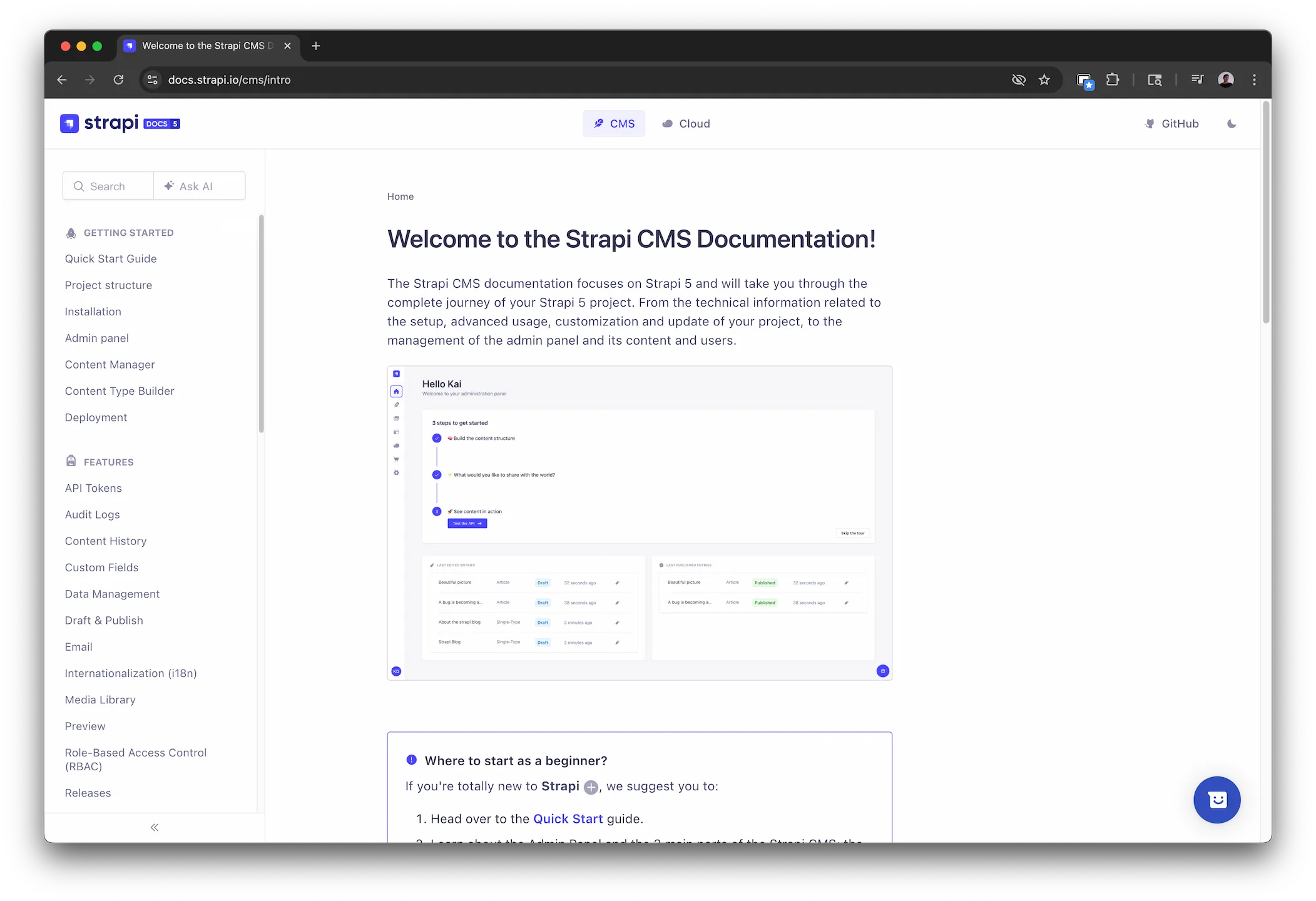
There were to main ones I looked at: Payload and Strapi, as these allowed you to self-host your CMS. Strapi seemed more in line with what I wanted, as I preferred the UI, the documentation was straightforward, and it was fairly easy to spin up via Docker.
As an aside: Docker is really cool. I know it’s not 2013 and Docker is very old news, but having mainly been working as a VFX artist and only recently transitioned to software development, I missed the big trend of Dockerization, and so it feels new.
I used Traefik as a reverse proxy, also Dockerized.
AstroJS
I know it’s “the new hotness” or whatever, but I decided to use Astro - all she really needs is a fairly straightforward static site. Plus, I was already familiar with it, having built my website a few months ago with it. The idea was that every time she updated the Strapi CMS, it would broadcast some event that would trigger a rebuild or redeployment.
Making the Raspberry Pi non-critical
I also wanted to make sure that if the Raspberry Pi went offline, nothing about her site should be affected in any way. The last thing I want is for some potential future collaborator to visit her site and the Raspberry Pi being offline be the reason the site doesn’t load or has reduced functionality.
I was already planning on hosting the actual site on Vercel, but I realized that all of her audio files for the portfolio samples would need some way of being served that didn’t involve the Pi in production.
I learned that npm provides pre-hooks to all scripts, meaning it will run anything that you put in a prebuild or predev step. As such, I wrote a quick python script that would download all of the audio assets from her portfolio samples Strapi endpoint and shove them into /public under the same “relative path” that is provided by the various JSON payloads. Easy!
> isywebsitefrontend@0.0.1 prebuild
> python3 fetchContent.py

Attempting to precache files...
Found 6 audio files.
File existed at public/uploads/ashen_1_1_2f4cdc61cb.mp3, clearing cached file.
✅ Downloaded: /uploads/ashen_1_1_2f4cdc61cb.mp3 → public/uploads/ashen_1_1_2f4cdc61cb.mp3
File existed at public/uploads/Ashen_3_655257776e.mp3, clearing cached file.
✅ Downloaded: /uploads/Ashen_3_655257776e.mp3 → public/uploads/Ashen_3_655257776e.mp3
File existed at public/uploads/Ashen_2_0a35425ab5.mp3, clearing cached file.
✅ Downloaded: /uploads/Ashen_2_0a35425ab5.mp3 → public/uploads/Ashen_2_0a35425ab5.mp3
File existed at public/uploads/Tangent_1_988ccb13a0.mp3, clearing cached file.
✅ Downloaded: /uploads/Tangent_1_988ccb13a0.mp3 → public/uploads/Tangent_1_988ccb13a0.mp3
File existed at public/uploads/Tangent_2_0ce685c281.mp3, clearing cached file.
✅ Downloaded: /uploads/Tangent_2_0ce685c281.mp3 → public/uploads/Tangent_2_0ce685c281.mp3
File existed at public/uploads/bluey_1_47d8b54eac.mp3, clearing cached file.
✅ Downloaded: /uploads/bluey_1_47d8b54eac.mp3 → public/uploads/bluey_1_47d8b54eac.mp3
File existed at public/uploads/favicon_d7f6b930fa.svg, clearing cached file.
✅ Downloaded: /uploads/favicon_d7f6b930fa.svg → public/uploads/favicon_d7f6b930fa.svg
Found the following audio files to precache: ['/uploads/ashen_1_1_2f4cdc61cb.mp3', '/uploads/Ashen_3_655257776e.mp3', '/uploads/Ashen_2_0a35425ab5.mp3', '/uploads/Tangent_1_988ccb13a0.mp3', '/uploads/Tangent_2_0ce685c281.mp3', '/uploads/bluey_1_47d8b54eac.mp3', '/uploads/favicon_d7f6b930fa.svg']

> isywebsitefrontend@0.0.1 build
> astro build

17:10:41 [vite] Re-optimizing dependencies because vite config has changed
17:10:41 [content] Syncing content
17:10:41 [content] Astro config changed
17:10:41 [content] Astro version changed
17:10:41 [content] Clearing content store
17:10:41 [content] Synced content
17:10:41 [types] Generated 66ms
17:10:41 [build] output: "static"
17:10:41 [build] mode: "static"
17:10:41 [build] directory: /Users/jhayes/dev/web/isy/astro/dist/
17:10:41 [build] Collecting build info...
17:10:41 [build] ✓ Completed in 74ms.
Vercel manages to serve these files plenty fast with their own CDN, and given that they’re only a couple megabytes, they aren’t too slow to load.
Contingency plans
Although the Raspberry Pi needed to be non-critical in production, it was still important to ensure that the Pi was set up properly in case it does die on us. The last thing I want is the Raspberry Pi to die and she lose the state of her site. And so, I set up a cron job to back up all the docker containers related to her site to our NAS at 2AM every night.
Since I put the Pi on a UPS, I also wanted to make sure that the Raspberry Pi would know about if the UPS was on Battery and shut itself down cleanly. Since the Synology was the primary device that I plugged into the UPS, I configured it to act as a UPS server, and then NUT on my Pi. Of course, despite reading this comment, I still forgot to do it the first time I unplugged my UPS to test, and was confused why the Pi wasn’t shutting down.
Adding a waveform audio player component
This was it. The whole reason (fine, part of the reason), I was rewriting her website. Surprisingly, this was probably the easiest part. There is a great little library called wavesurfer.js, and a Vue implementation that pretty much did my work for me.
Behind the scenes, all it took was:
npm i @meersagor/wavesurfer-vueCreating an Astro component for it:
<template>
  <!-- The actual HTML elements, omitted for brevity -->
</template>

<script setup lang="ts">
import { ref, onMounted, onBeforeUnmount } from 'vue'
import Wavesurfer from 'wavesurfer.js'

const props = defineProps({ music: String, title: String })
const waveform = ref<HTMLElement | null>(null)

let wavesurferInstance

onMounted(() => {
  if (!waveform.value) return

  wavesurferInstance = Wavesurfer.create({
    normalize: true,
    dragToSeek: true,
    barWidth: 4,
    barRadius: 4,
    barGap: 1,
    container: waveform.value,
    height: 50,
    cursorWidth: 0,
  })

  wavesurferInstance.load(props.music!)
})

onBeforeUnmount(() => {
  wavesurferInstance?.destroy()
})

</script>
Hooking up a play-pause button was pretty easy:
/* Earlier... */
const playIcon = ref<HTMLElement | null>(null)
const pauseIcon = ref<HTMLElement | null>(null)

/* Later (within onMounted) */
function toggleState() {
  if (!bIsPlaying) {
    playIcon.value?.classList.add("hidden")
    playIcon.value?.classList.remove("inline")
    pauseIcon.value?.classList.remove("hidden")
    pauseIcon.value?.classList.add("inline")
    bIsPlaying = true;
  } else {
    pauseIcon.value?.classList.add("hidden")
    pauseIcon.value?.classList.remove("inline")
    playIcon.value?.classList.remove("hidden")
    playIcon.value?.classList.add("inline")
    bIsPlaying = false;
  }
  wavesurferInstance?.playPause()
}
I wanted an active counter for the current timestamp and total duration, so I added a function on the timeupdate and ready hooks, respectively.
/* Earlier... */
var bIsPlaying = false
var currentPlaybackTime = ref("00:00")
var totalDuration = ref("00:00")

/* Later (within onMounted) */
wavesurferInstance.on('ready', (duration) => {
  totalDuration.value = formatTime(duration)
})
wavesurferInstance.on('timeupdate', (currentTime) => {
  currentPlaybackTime.value = formatTime(currentTime)
})
Both of which use a convenience function that formats the seconds into min:seconds.
const formatTime = (seconds: number):string => [seconds / 60, seconds % 60].map((v) => `0${Math.floor(v)}`.slice(-2)).join(':')Using the component in Astro:
    <ul class="col-span-4">
      {
        Array.isArray(music) &&
          music.map((item: MusicSample) => (
            <div class="mb-4">
              <WaveformPlayer
                client:only="vue"
                title={item.Description}
                music={item.Audio.url}
              />
            </div>
          ))
      }
    </ul>
Conclusion
Ultimately, all she interacts with is a nice web dashboard provided by Strapi.
There’s a long laundry list of improvements that I’d like to make, but at this point, I’m pretty proud of how her site has ended up. It’s far more streamlined, easy to update, free to host, and suits her needs far better than her previous site did. I had a lot of fun messing with Docker, structuring her content schemas, and generally making a “product” that she could actually use.
You can visit her website here.